
Same progression
No new resources, tiers or dimensions. Every new feature is unlocked by equipping an item you already know (a compass, a clock) or one crafted from vanilla items (a backpack, a world map, a barometer).
Vanilla Sugar is a vanilla+ quality-of-life mod that fixes the hundred small annoyances of survival Minecraft and leaves everything else alone. No new ores, no magic, no machines: the same game you know, just smoother.
Free and open source · Singleplayer and servers · Jar on GitHub
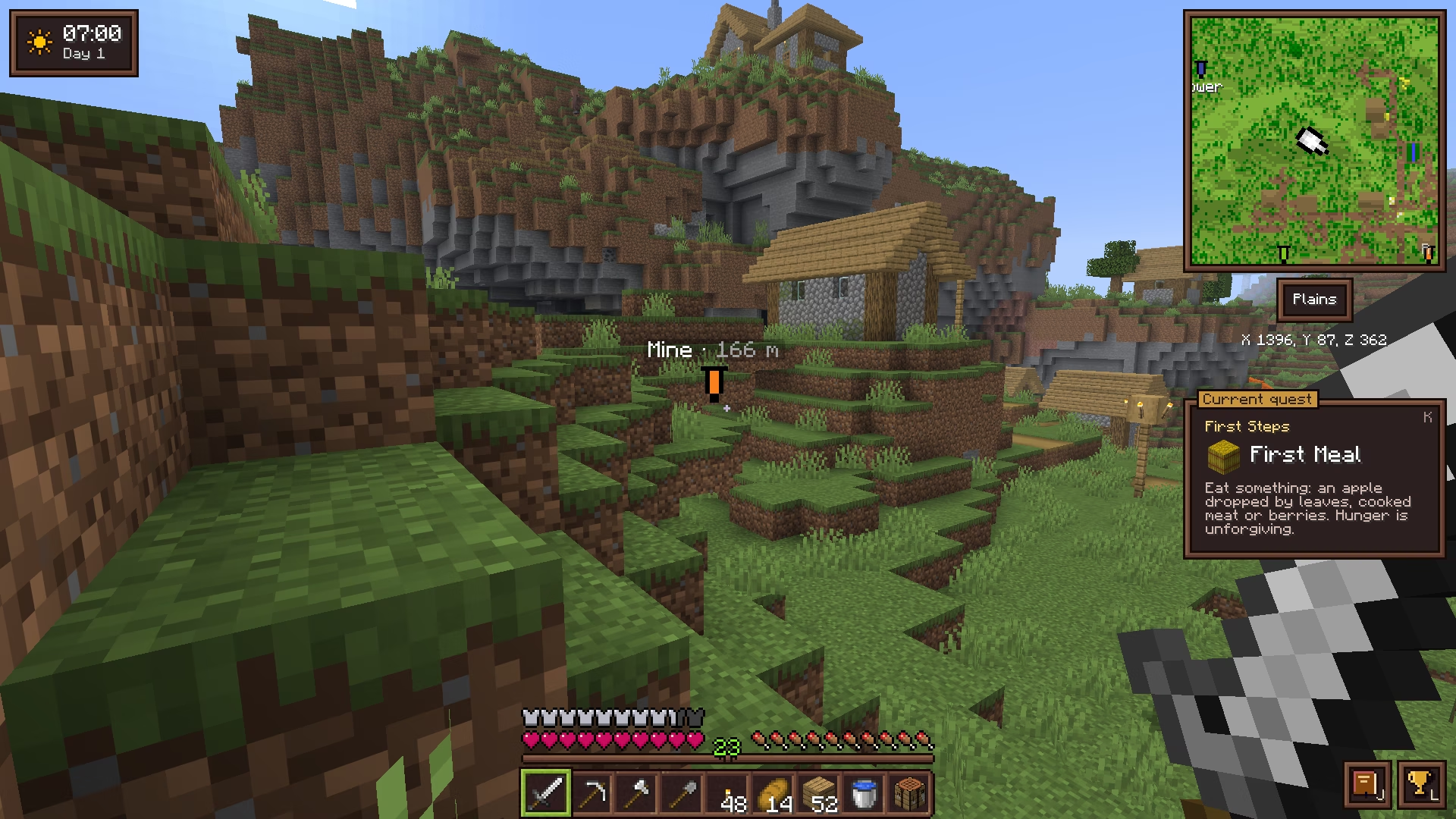
Most quality-of-life modpacks pile on dozens of mods with clashing styles, or turn the game into something else. Vanilla Sugar is one mod, built around a single rule: if Mojang could ship it in an update tomorrow, it belongs here. If it changes how you play, it does not.
No new resources, tiers or dimensions. Every new feature is unlocked by equipping an item you already know (a compass, a clock) or one crafted from vanilla items (a backpack, a world map, a barometer).
Leaves that take minutes to decay, “Too Expensive!”, boats stuck on a pixel, the enchanting table's “…?”: each fix is small, together they change how the game feels.
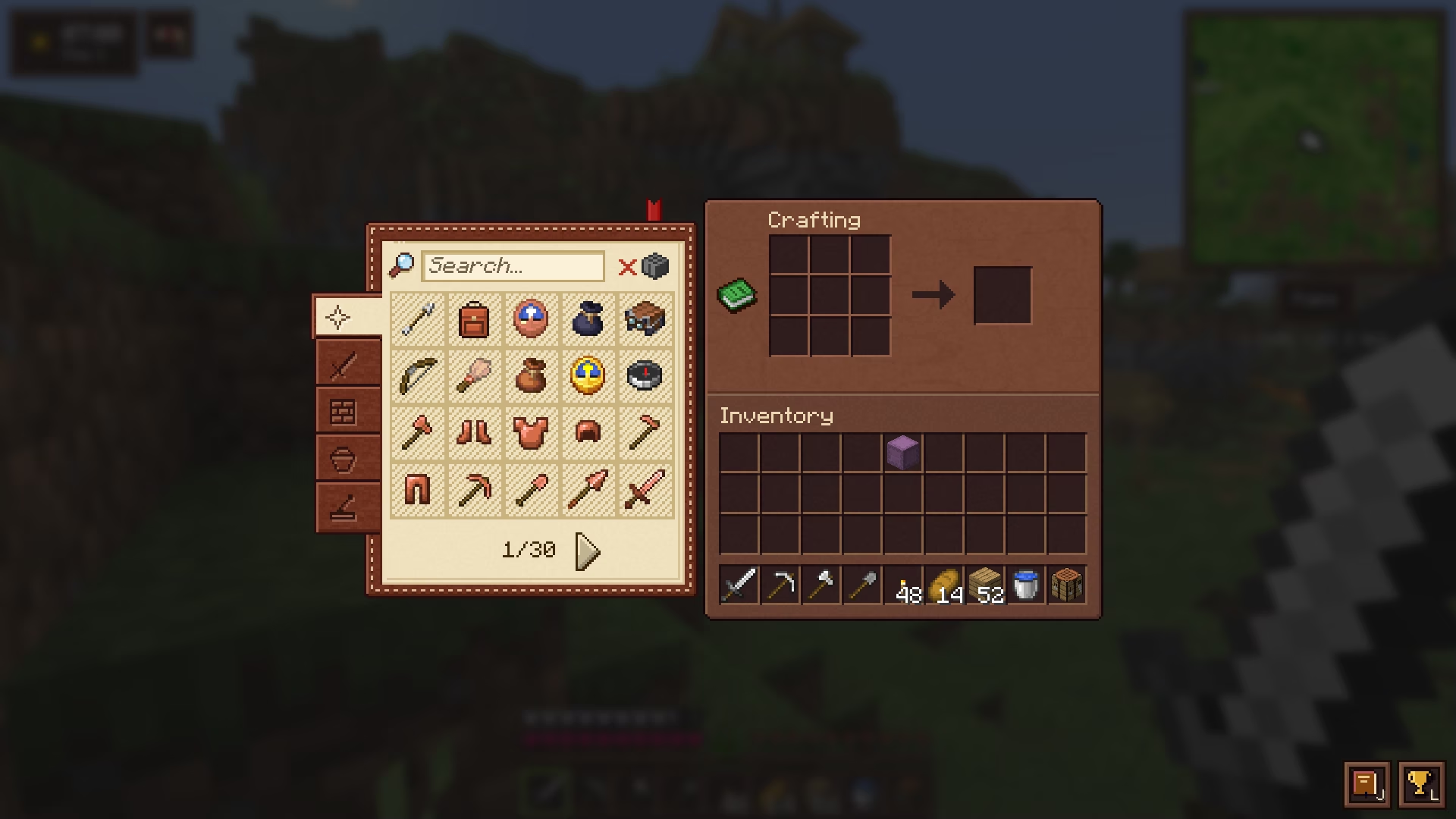
The interface keeps Minecraft's pixel style and sounds. Features only show up once you equip their item, and every key can be remapped.
Each moment as you know it in vanilla, and the same moment with Vanilla Sugar.
| Vanilla | With Vanilla Sugar | |
|---|---|---|
| Cutting down a tree | Leaves decay one by one for minutes | Leaves fall right away, drops included |
| Repairing at the anvil | “Too Expensive!” | Any repair you can pay for |
| Enchanting table | One enchantment, then “…?” | Every enchantment the option will give |
| Mending and Infinity | Incompatible on a bow | Work together |
| Running out of blocks | Open the inventory, find more | The hand refills from the inventory |
| Messy chests | Sort by hand | One click to sort, one click to stash |
| Harvesting crops | Break, collect, replant | Right-click: harvested and replanted |
| Flying with armor | Elytra or chestplate | Both, in their own slots |
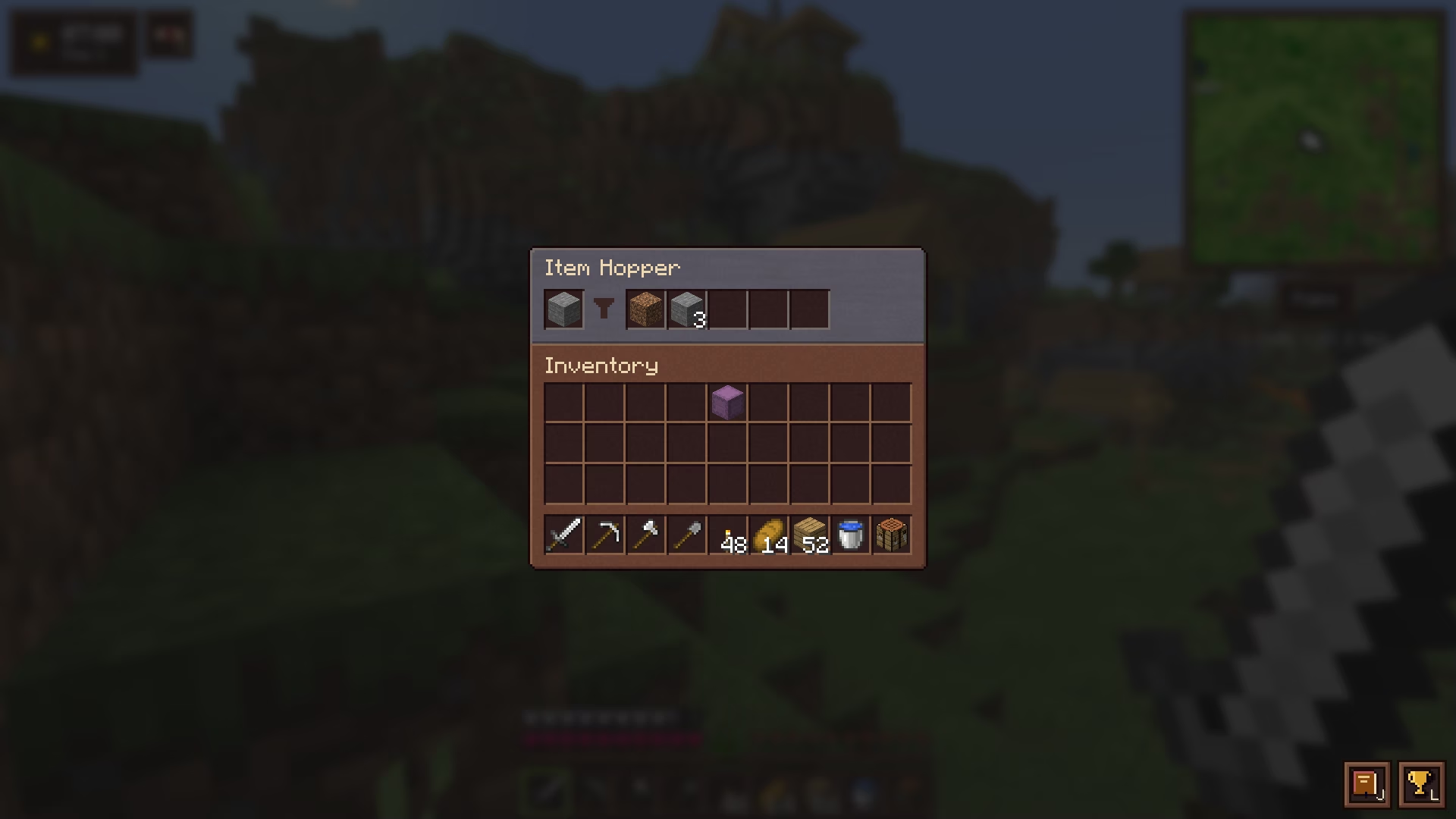
| Sorting items with hoppers | Redstone item sorter | A filter slot in every hopper |
| Boats on land | Stuck on a 1-pixel step | Glide over paths, farmland, carpets, snow |
| Double doors | Open each door separately | Both open together |
| Composter | 1 bone meal, after a delay | 8 bone meal, right away |
| Daytime | 10 minutes, then night falls | 20 minutes, the night is unchanged |
| Going to bed | 5 seconds to skip the night | 2.5 seconds |
| Death screen | Buttons locked for a second | Respawn immediately |
| Nether portal | 4 seconds of warping and noise | Step in, you're through |
| Moving villagers | Boats, rails, trapping | Put them on a lead |
| Crafting 64 buttons | 64 blocks | 4 blocks (recipes give fair amounts) |
Everything Vanilla Sugar adds, one by one.
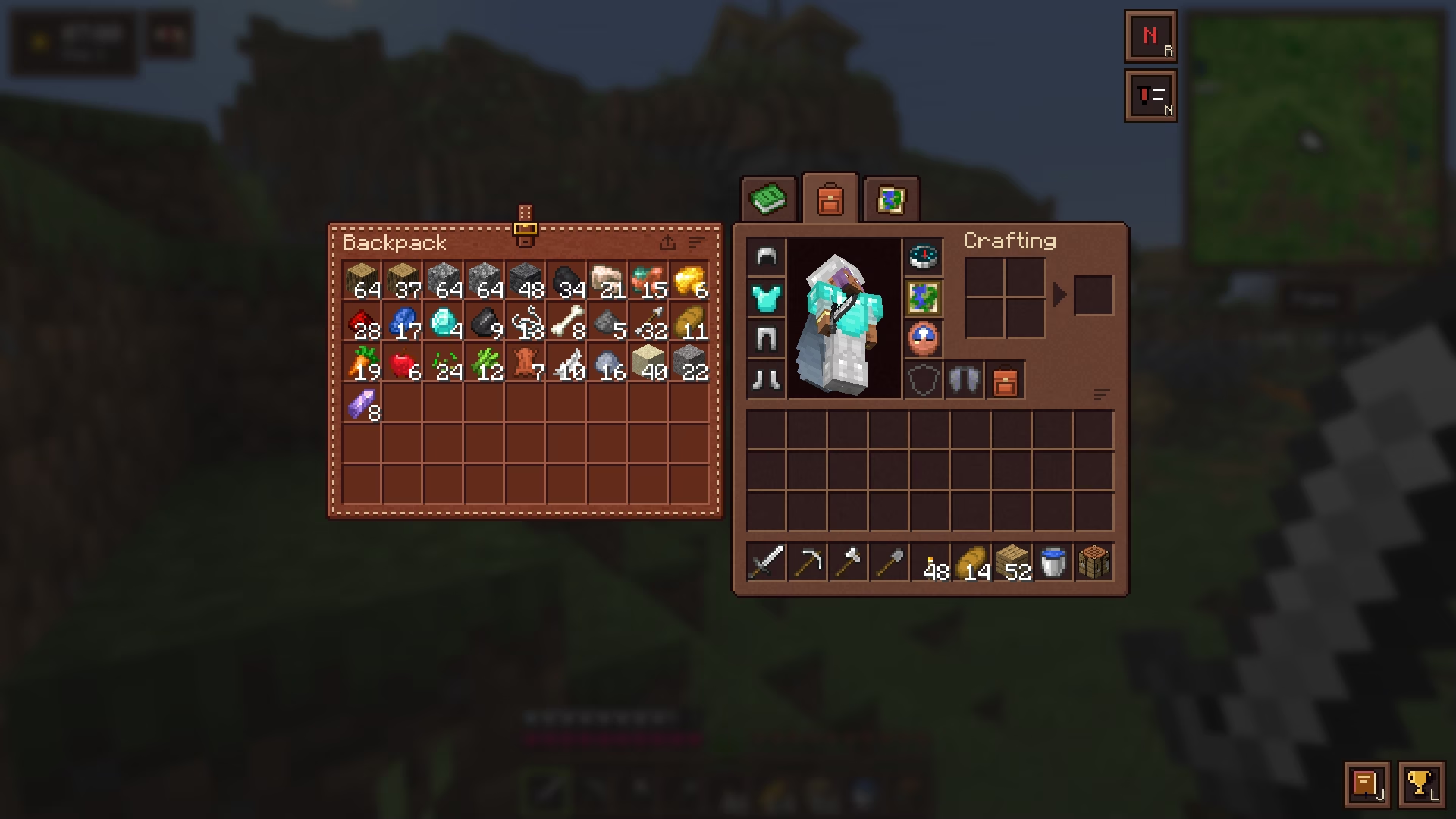
54 more slots, crafted from leather, string and a bundle.
Keys B opens and closes it
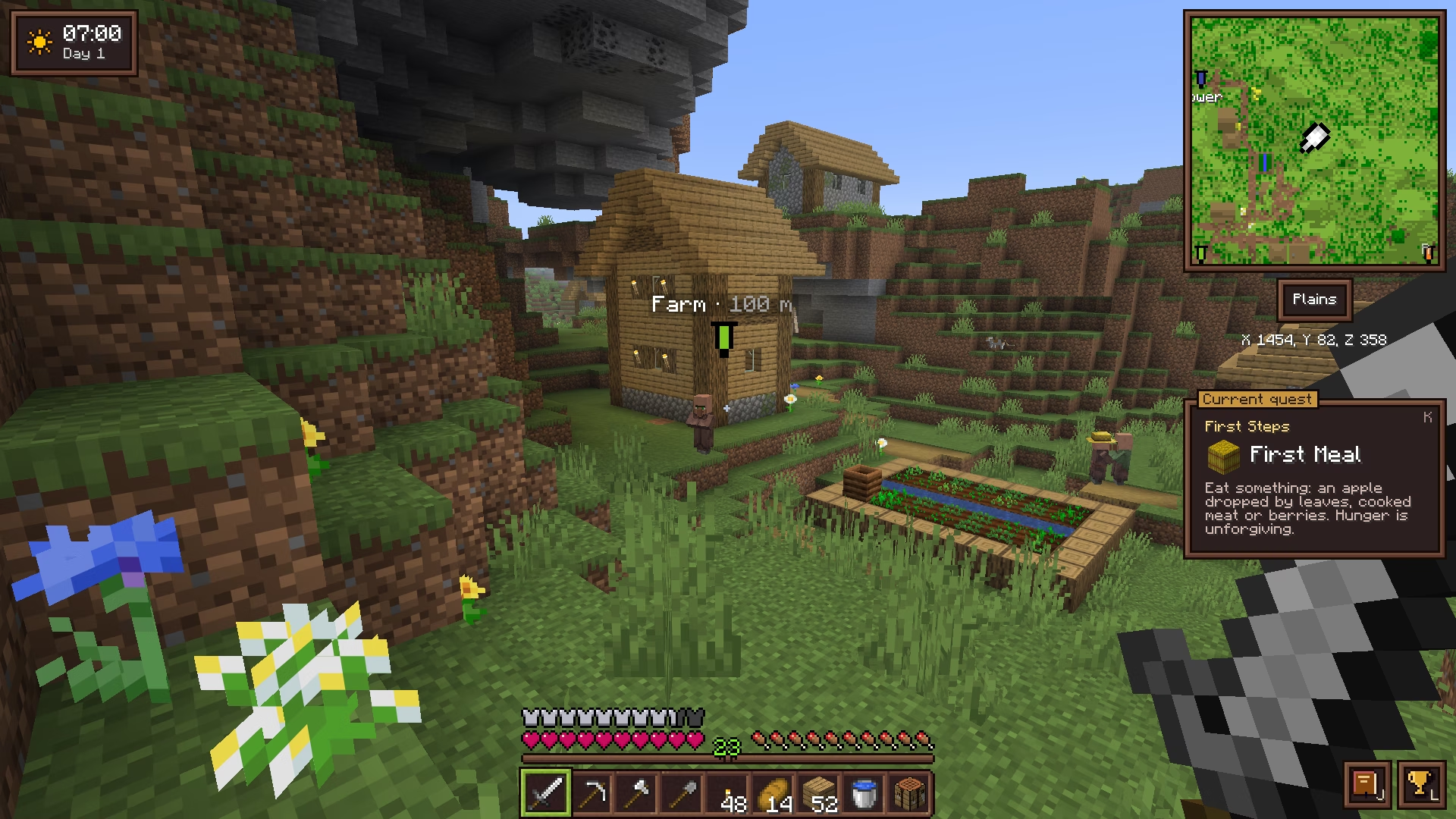
Equip a compass to see where you are.
Keys + / − zoom · R rotates · N toggles waypoints
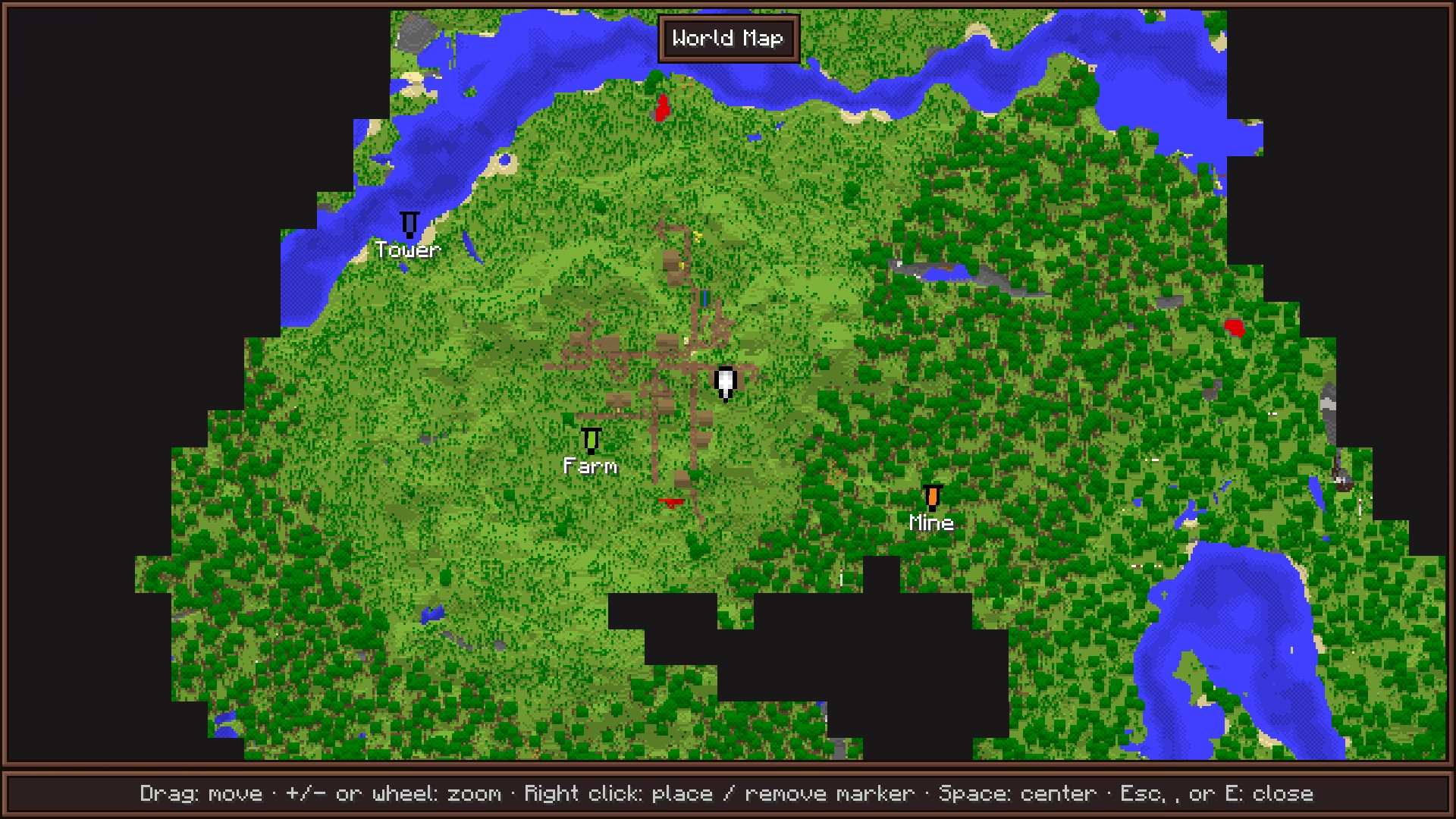
Every chunk you have explored, on one map.
Keys M opens the map · Space recenters
Equip a clock to know when night falls, a barometer to know when rain will.

Barometer Clock + Lightning rod
Worn in the clock's slot, it also shows the next weather change, read from the server's own weather timers.
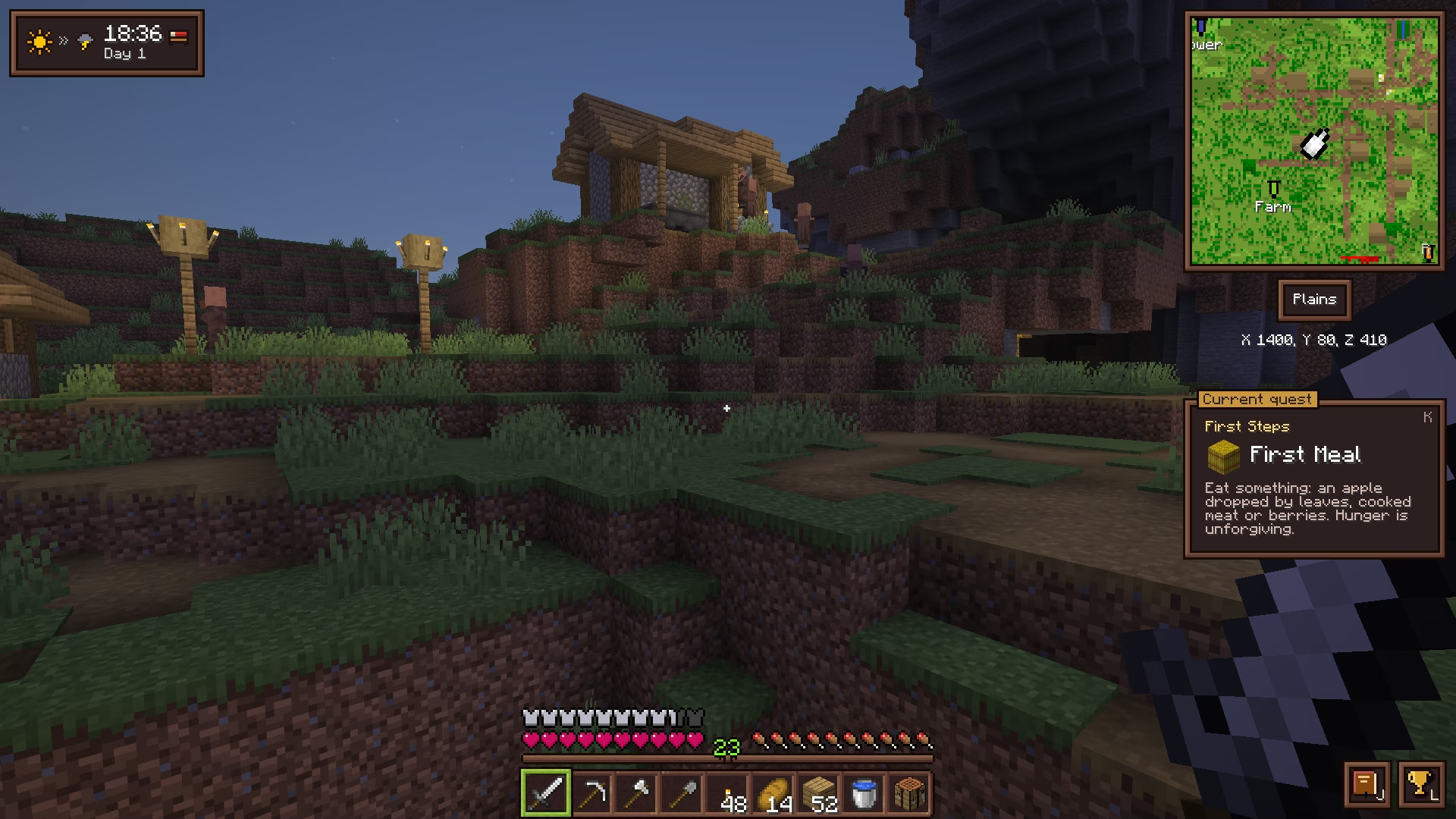
All the little gestures vanilla is missing.
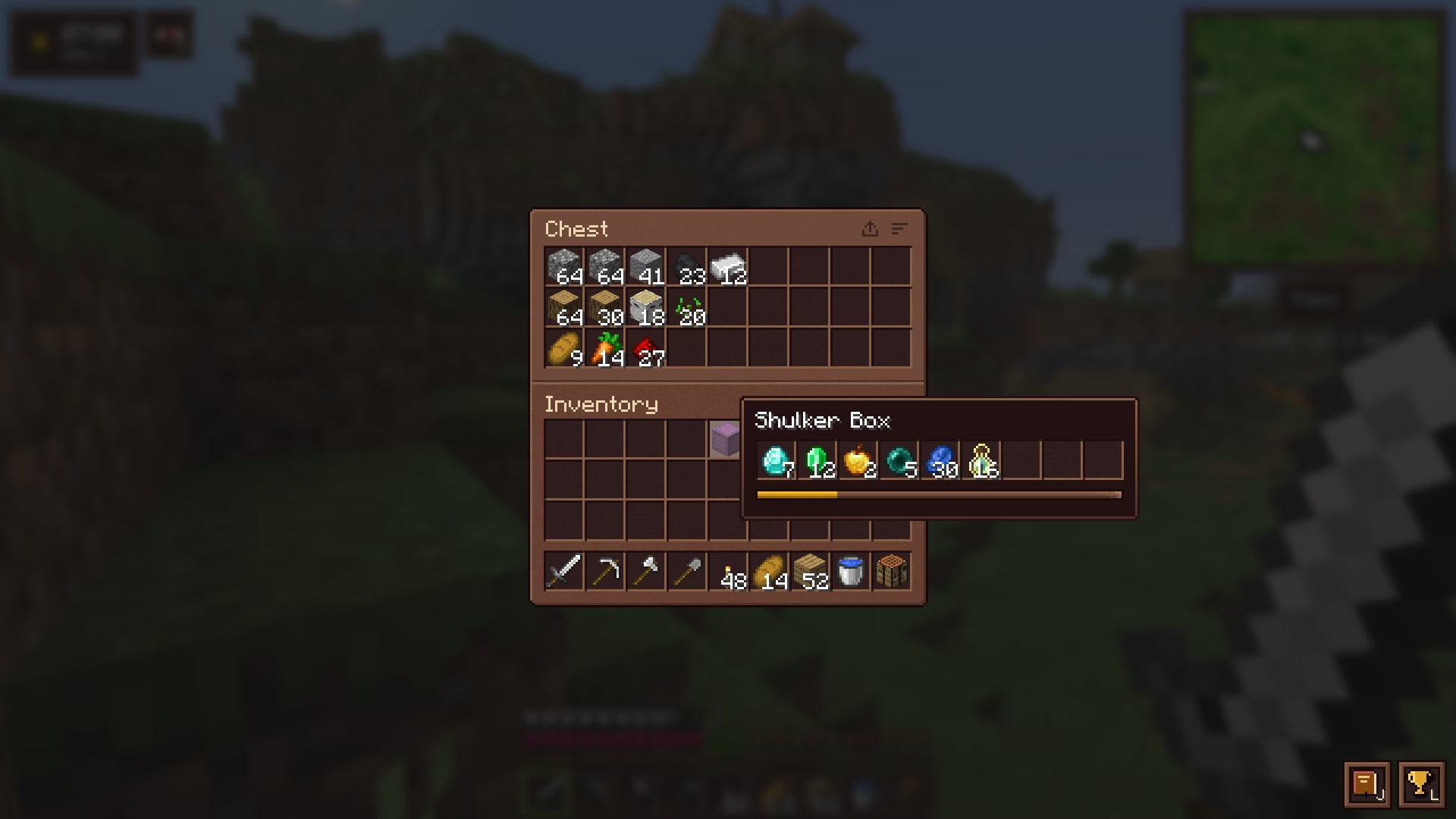
Right-click a ripe crop: it is harvested and replanted.
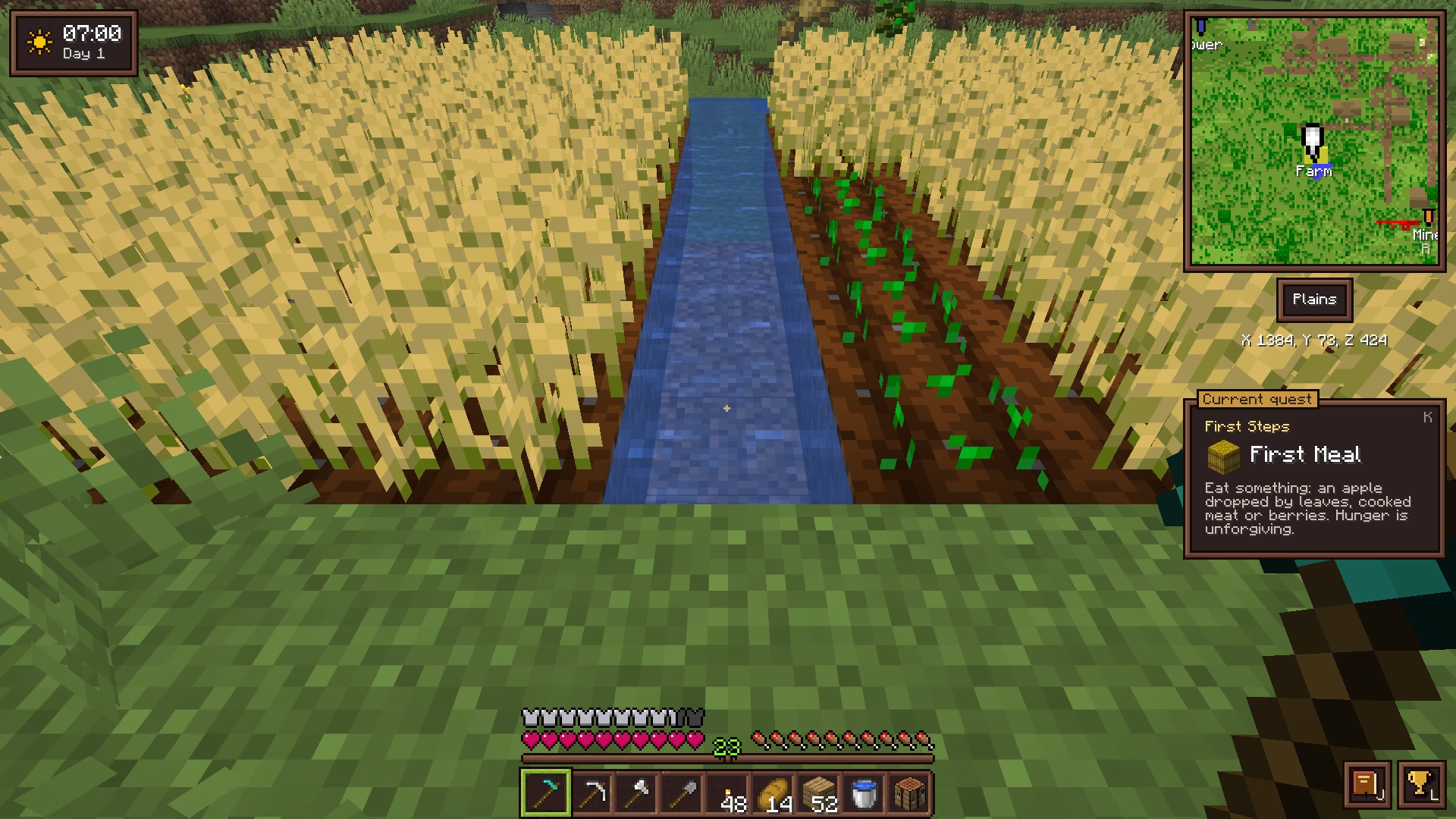
Fly without taking your chestplate off.
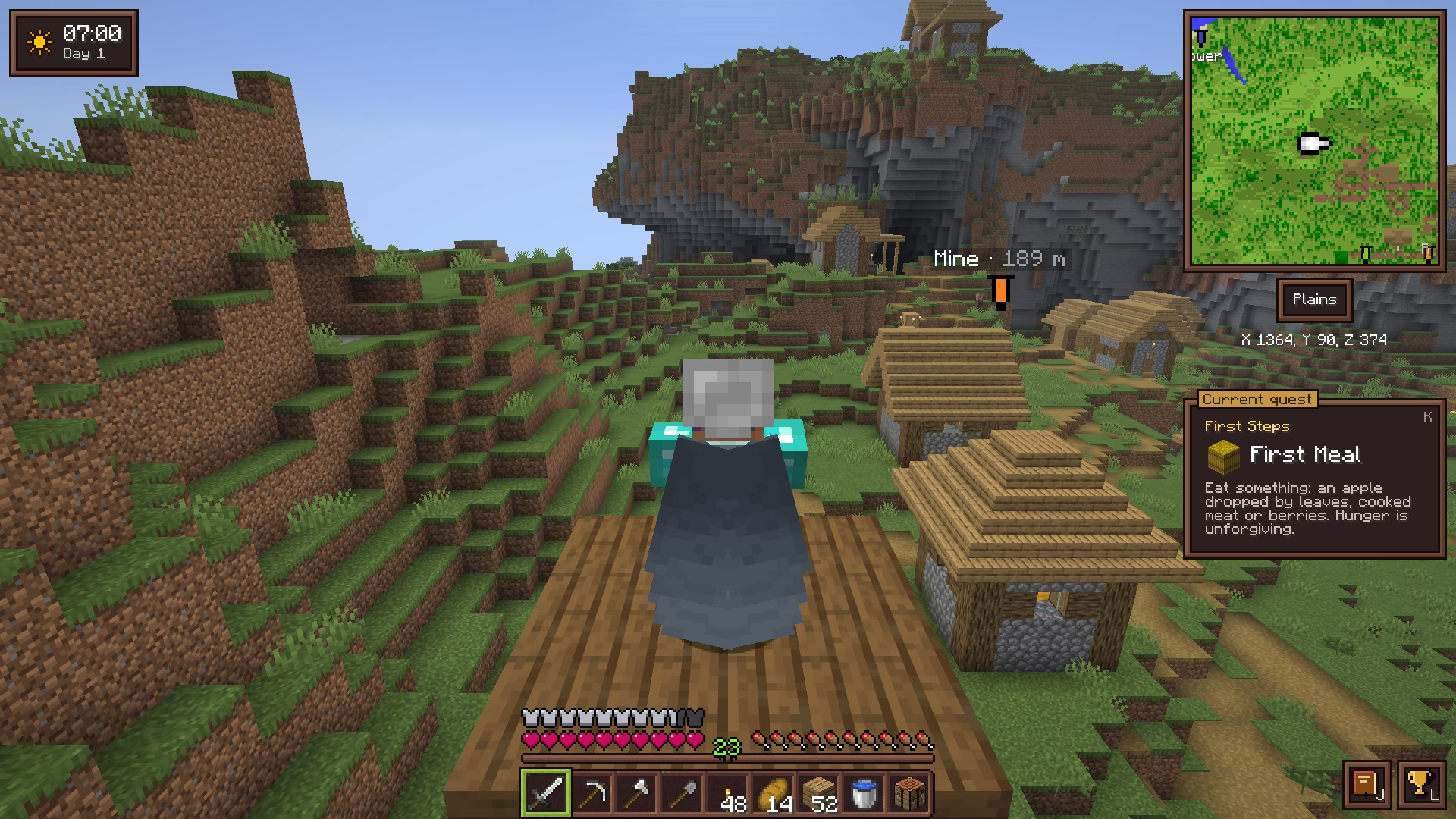
Item sorters without the redstone.
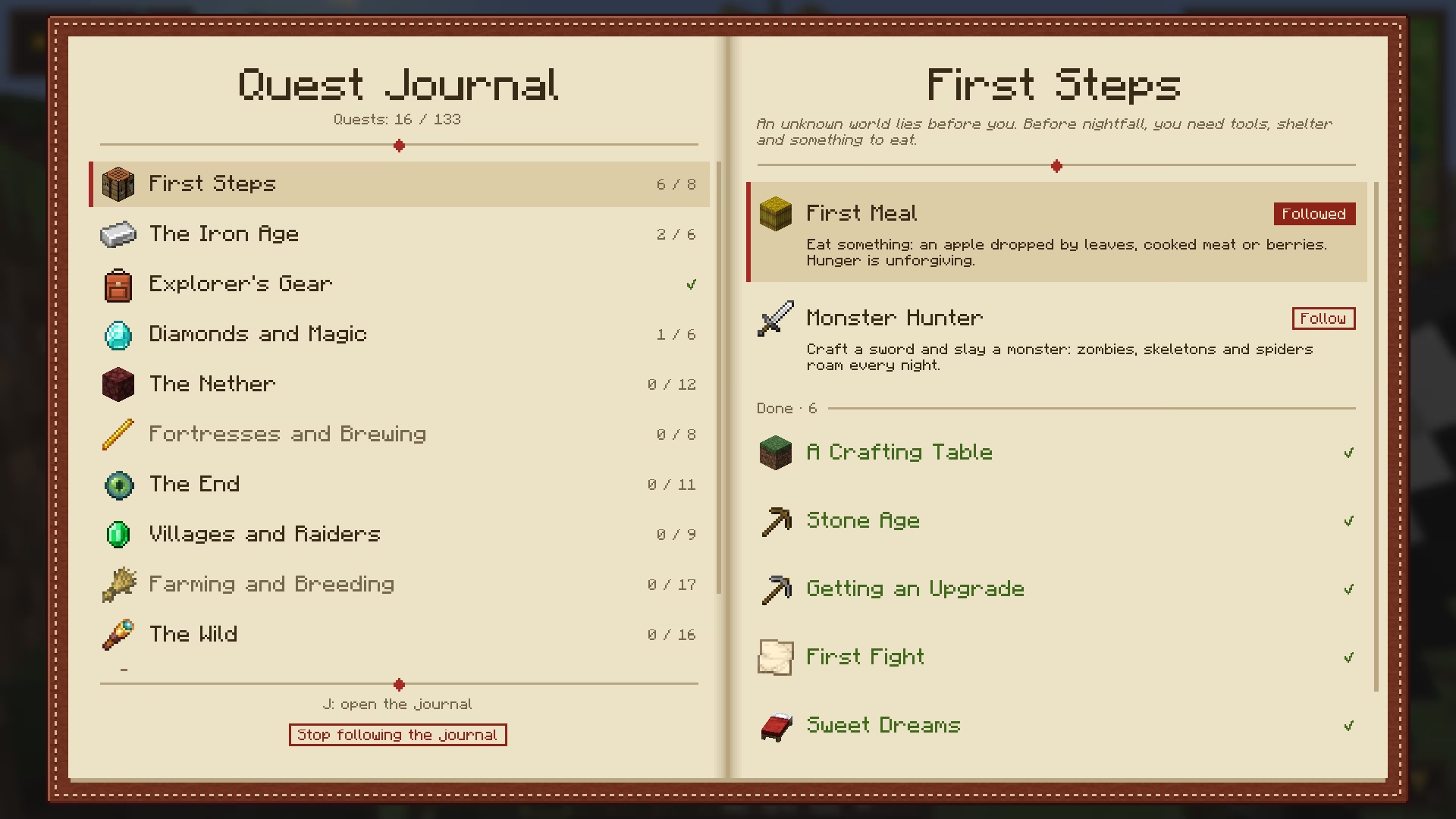
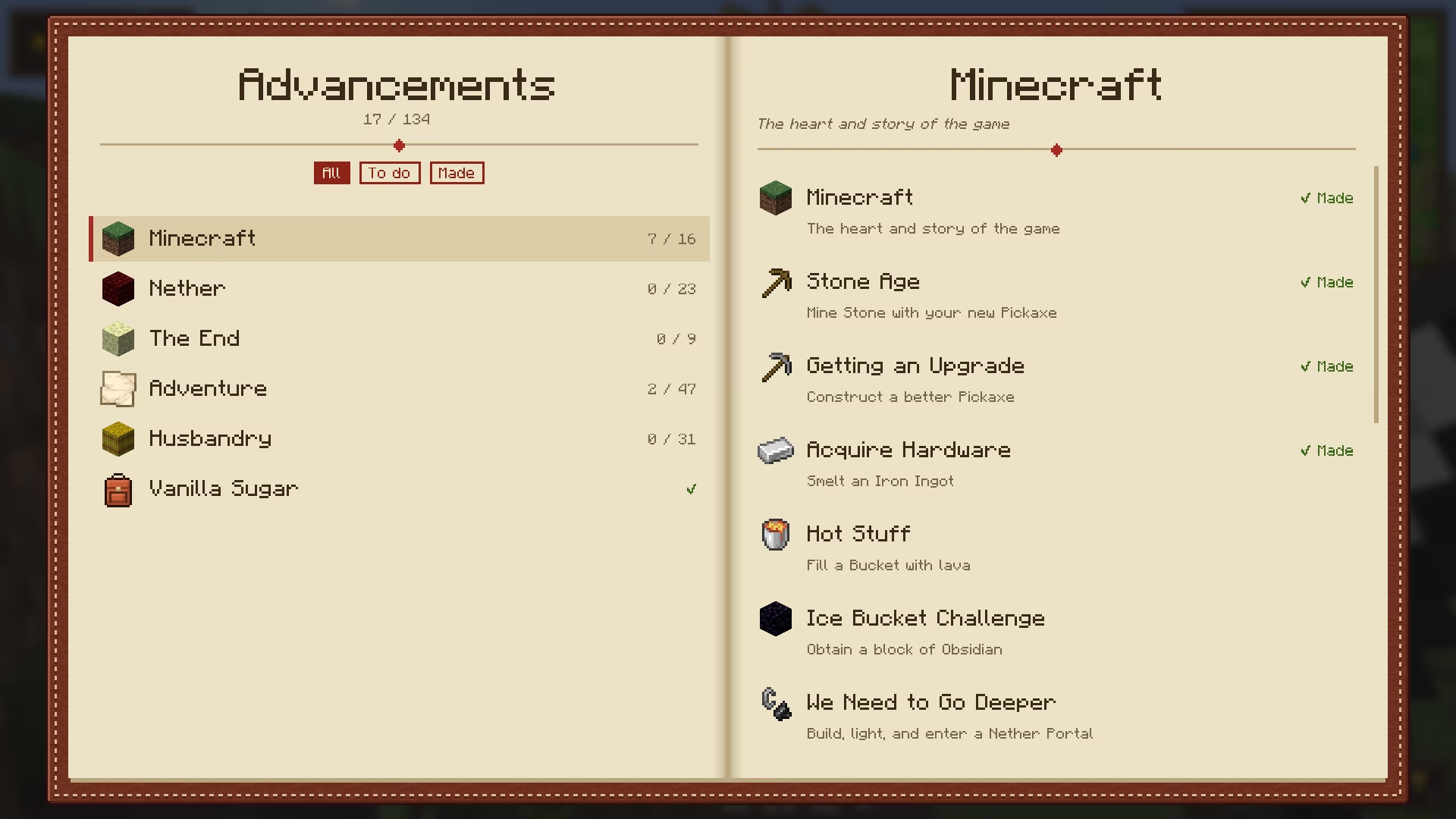
Always know what to do next.
Keys J journal · L advancements · K tracker
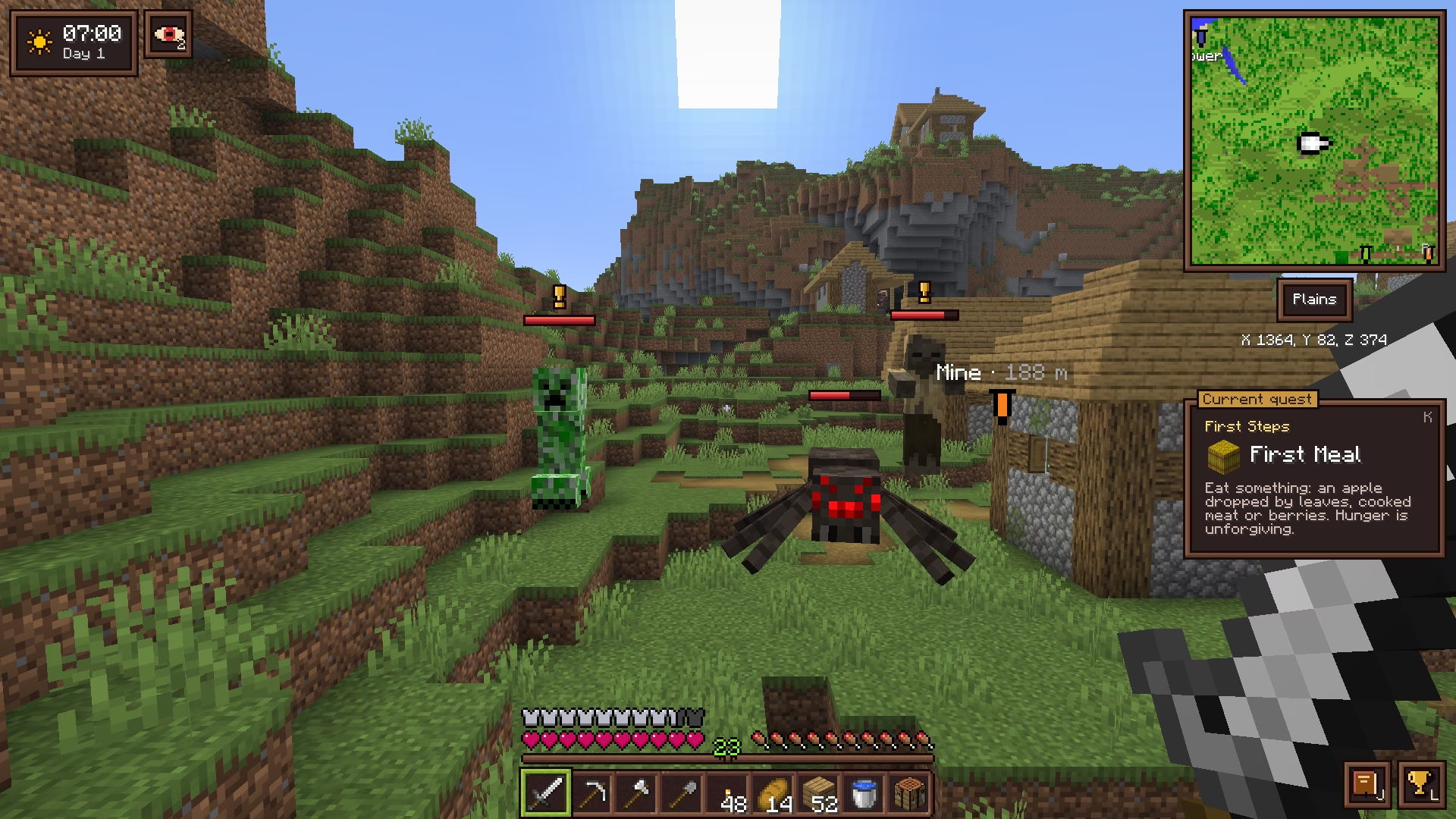
Equip a sculk compass to know who is after you.

Sculk Compass Compass + Sculk sensor
Worn in the compass's slot, it shows the minimap and senses the mobs around you. Sculk sensors grow in the deep dark and only drop with Silk Touch.
A cleaner, warmer look for every screen, still in Minecraft's style.
Every key can be changed in Options → Controls → Key Binds → Vanilla Sugar. Letter keys, + and − follow the character printed on your keyboard, so they work on AZERTY and other layouts too.
| Key | Action | Needs |
|---|---|---|
| B | Open / close the backpack | Backpack |
| M | Open the world map | World map |
| Space | Recenter the world map on yourself | World map |
| + / − | Zoom the minimap | Compass |
| R | Switch the minimap between north-up and turning with you | Compass |
| N | Show / hide waypoints in the world | Compass |
| J | Open the quest journal | |
| L | Open the advancements screen | |
| K | Shrink / hide the current quest | |
| Middle click | Sort the part of the window under the cursor (Survival) | |
| Ctrl / Cmd + click | Craft a recipe as many times as possible |
Display choices (minimap zoom and rotation, waypoints, quest tracker) are remembered between sessions.
Some vanilla recipes eat a whole block for a single button. Vanilla Sugar only changes how many items a recipe gives, never its shape or when you unlock it.
| Item | Vanilla | Vanilla Sugar |
|---|---|---|
| Buttons | 1 block → 1 | 1 block → 16 |
| Pressure plates | 2 blocks → 1 | 2 blocks → 16 |
| Wooden trapdoors | 6 planks → 2 | 6 planks → 24 |
| Sticks | 2 planks → 4 | 2 planks → 32 |
| Ladders | 7 sticks → 3 | 7 sticks → 8 |
| Stairs | 6 blocks → 4 | 6 blocks → 8 |
| Wood (bark) | 4 logs → 3 | 4 logs → 4 |
| Signs | 6 planks + 1 stick → 3 | 6 planks + 1 stick → 12 |
| Wooden doors | 6 planks → 3 | 6 planks → 12 |
| Bowls | 3 planks → 4 | 3 planks → 12 |
Stairs and slabs can also be crafted back into full blocks, without loss.
.jar files in the mods folder of your Minecraft directory.On a server, install the mod on the server and on every player's game. In singleplayer, there is nothing else to do.
A free, open-source Fabric mod for Minecraft 26.3 that gathers quality-of-life (QoL) features in one vanilla+ mod: a backpack, a compass minimap, a world map with waypoints, inventory sorting, right-click harvest, a quest journal and dozens of small fixes. It replaces a stack of separate QoL mods with one consistent mod that still feels like vanilla Minecraft.
No. There are no new resources, tiers or dimensions, and every feature is unlocked by equipping a vanilla item or one crafted from vanilla items. You still mine, build, explore and fight the same way.
Yes. Install it on the server and on each player's game. On a server without the mod, some features have less to show: no weather forecast, no list of mobs chasing you, and the vanilla enchanting and advancement information.
Minecraft 26.3 with Fabric Loader 0.20.1 or later, Fabric API and Java 25. Forge and NeoForge are not supported.
Features you don't equip stay hidden: no compass, no minimap. Key bindings live in Options → Controls → Vanilla Sugar, and display choices (map rotation, waypoints, quest tracker) are remembered.
Yes. Vanilla Sugar is released under the GPL-3.0: you can ship it in a modpack, and change it or reuse its code as long as your version stays under the GPL-3.0, credits its author and publishes its source.